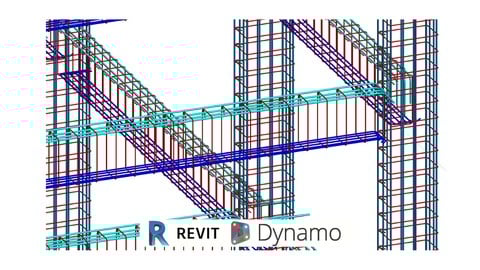
This course it’s designed to change your rebar modeling methods using Dynamo.
We will start with a general overview of rebar modeling, rules and creation of elements, then we will explore dynamo creation methods and some custom nodes as well as a brief summary on those solutions, so that rebar modeling can be repeated on all the model elements depending their types
It’s part of a new series of developments towards bringing Dynamo as main platform tool on BIM processes for any type of project.
We will explore custom nodes for specific approaches so that your own toolkit can be created, tools for Revit Modeling, Tools for Dynamo Programming and Mixed Tools for other workflows
Dynamo its been used all over the world for speeding up Revit Models, Enabling impossible modeling, Project Management, QTOS and Documents, and to set around workflows between different types.
Unravel your full potential for Modeling and Programming and enjoy at any time the freedom of possibilities to make technology work the way you need it to.
Take advantage of posting questions, and join on all channels to be UpToDate for all the amazing possibilities that in any time can transform your way of working, to change it forever