Are you looking for a quick and easy-to-follow practical guide for Microsoft Windows Server 2016? Do you want to start learning and installing basic Windows Server roles and features? You’ve come to the right place.
No boring topics here, an excellent practical guide for beginners with real-world examples.
You get more than 5 hours of high quality videos, covering the following topics:
- How to install Windows Server 2016 using VirtualBox
- Overview of Active Directory and basic terms
- Deploy Active Directory Domain Services
- Install DNS and DHCP
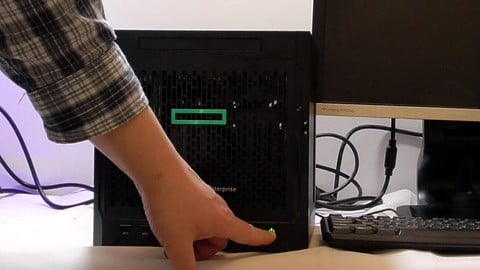
- Check a real server in action – HP Microserver Gen10
- Configure system settings using a GPO policy
- Share files and folders
- Learn about RAID
- Provide remote access using RDP and TightVNC
- Create your first script in PowerShell
- More advanced topics: NPS and Radius for a Cisco firewall and switch
Join now to learn all the basics about Windows Server 2016. See a real server in action: HP Microserver Gen10. Learn how to troubleshoot issues you might face – when things go wrong, we keep recording!
Join now!